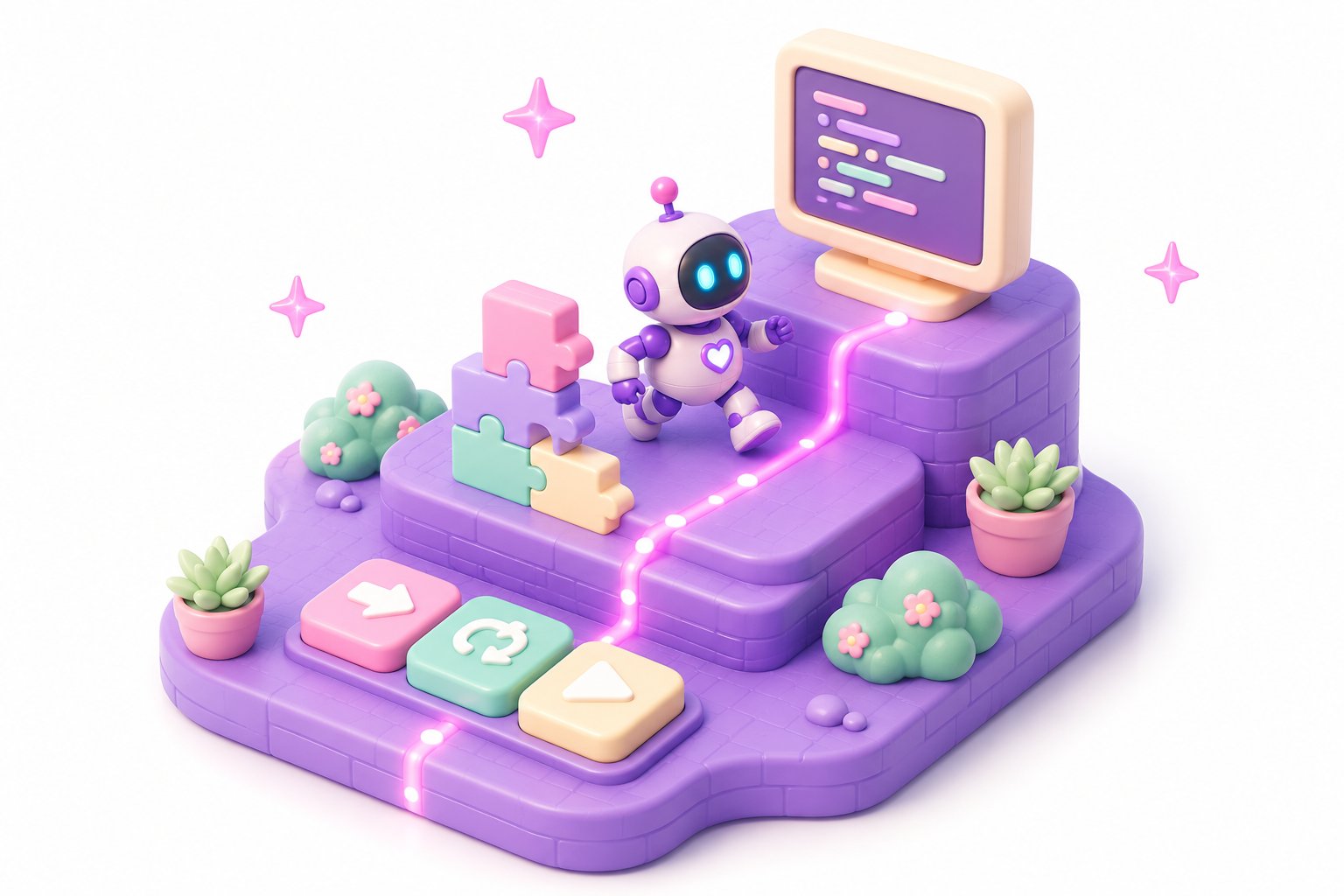
Most products that promise to “teach your kid to code” hand them a block-based editor and call it a day. The kid drags some loops around, makes a cat dance, feels clever — and plateaus the moment a real text editor appears. The mental model never formed.
We’ve spent fifteen years shipping production systems and teaching adults to do the same. We wanted something better for the next generation. So we built Profectus Lab Kids — a free browser-based programming game for kids 7–16 and anyone curious about how code actually thinks.
Its tagline says it best: Tiny programs. Big ideas.
The problem with starting at Scratch
Block-based editors are a great visual surface. But they hide three things kids need to internalize before they ever write text code:
- Sequence matters. Statement A runs, then B. Most “drag a block” tutorials skip this because you can rearrange anything by dragging. There’s no commitment, no cause-and-effect.
- The machine is dumb. A computer does exactly what you said — not what you meant. Kids only learn this when the program runs and the result is visibly wrong. Block editors often hide failure behind colorful animation.
- There’s no magic. Every loop is just “do this thing this many times.” Every condition is just “if this is true, then that.” Once kids see those primitives, they own them forever. Scratch tends to obscure the primitives behind composite blocks.
We wanted a game where every concept gets one small, sharp lesson. No padding. No mascots that block the screen.
The three rungs: tiles → blocks → code
The game has three modes for the same set of puzzles. Players climb the ladder:
1. Tiles — Drag a few labeled tiles onto a track. Hit play. Watch the robot. The whole “program” is visible at once. Kids 7–9 grasp this instantly.
2. Blocks — Same puzzles, but now you compose nested structures: loops inside conditions inside loops. This is where a real mental model of programs forms.
3. Code — The same problem, now expressed in actual text. Indentation, syntax, semicolons. By the time kids get here, they aren’t fighting syntax — they’re typing out the same plan they already know how to draw.
The point is that each rung exposes more truth, but the underlying ideas don’t change. A kid who learned what a loop is at the tiles level doesn’t need to relearn it at the code level.
The 10 concepts
Players move through ten concepts, in order:
- Sequence — do A, then B, then C.
- Repetition — do this N times.
- Conditionals — if this, do that.
- Variables — remember a value.
- Functions — give a small program a name; reuse it.
- Parameters — pass values into a function.
- Loops with state — count, accumulate, find.
- Nested logic — loops inside conditions, conditions inside loops.
- Decomposition — break a big problem into smaller named pieces.
- Debugging — read what the machine did vs. what you wanted; close the gap.
That last one matters most. Kids learn faster when “it didn’t work” is treated as the interesting part of the lesson, not a failure.
Who it’s for
Officially: kids 7–16. Younger kids stay on tiles for a while; older ones blow through tiles in an afternoon and start writing real code.
Unofficially: anyone who has never written code and is curious what it feels like. We’ve watched adult friends play through the first five levels in twenty minutes and come out with a clearer mental model than they had after a year of “I’ll learn Python someday.”
What’s free, what’s not
The game is completely free. No signup, no email gate, no premium tier. Runs in the browser. Available in English, Russian, Ukrainian, and Georgian.
Profectus Lab’s adult courses — production-grade C#, .NET, JavaScript, React, Python, with mentorship and code review — are a separate paid product. If you’re a parent reading this and you’re curious about coding yourself, start with our career roadmap and pick a track. We build the same way we teach the kids: by showing you the real thing, just one rung at a time.
Try it now
If your kid is 7–10, sit with them for the first level. If they’re 11+, give them the URL and walk away. Either way, we’d love to hear what worked and what didn’t — feedback goes via the contact form and shapes what we build next.