“IT” gets used as if it’s one job. It isn’t. It’s a city of dozens of roles, and most people who are curious about getting in have no map of that city. They open a tutorial, hear ten new words in the first minute, and quietly decide it’s not for them.
This article is the map.
By the end you’ll know what the four main neighborhoods of IT are, what kind of person tends to live in each, and where on this site to read next if one of them sounds like you. We’ll be honest about what each path is, what it isn’t, and what it takes. No hype. No “learn AI in 30 days and earn six figures”. Just the picture.
What “IT” actually means
When someone says “I work in IT”, they could be doing any of forty different jobs. The word is an umbrella, the same way “medicine” is an umbrella over surgeons, dentists, and physiotherapists. Nobody asks a dentist if they can perform open-heart surgery. But people routinely ask anyone in IT if they can “fix the printer” — because to outsiders it all looks like one thing.
It isn’t.
For our purposes, almost everything in IT falls into three families of work:
- Software engineering — building the digital products people actually use (apps, websites, internal tools).
- Data — turning raw information into decisions (analytics, reporting, machine learning).
- Operations — keeping the digital infrastructure of everything else running (servers, security, automation).
If you’ve been told “just learn to code” as if that’s one thing, you’ve been getting bad advice. The first useful question isn’t “should I learn to code?” It’s “which kind of work would actually fit me?” That’s what this article is going to help you answer.
The four main paths — a restaurant analogy
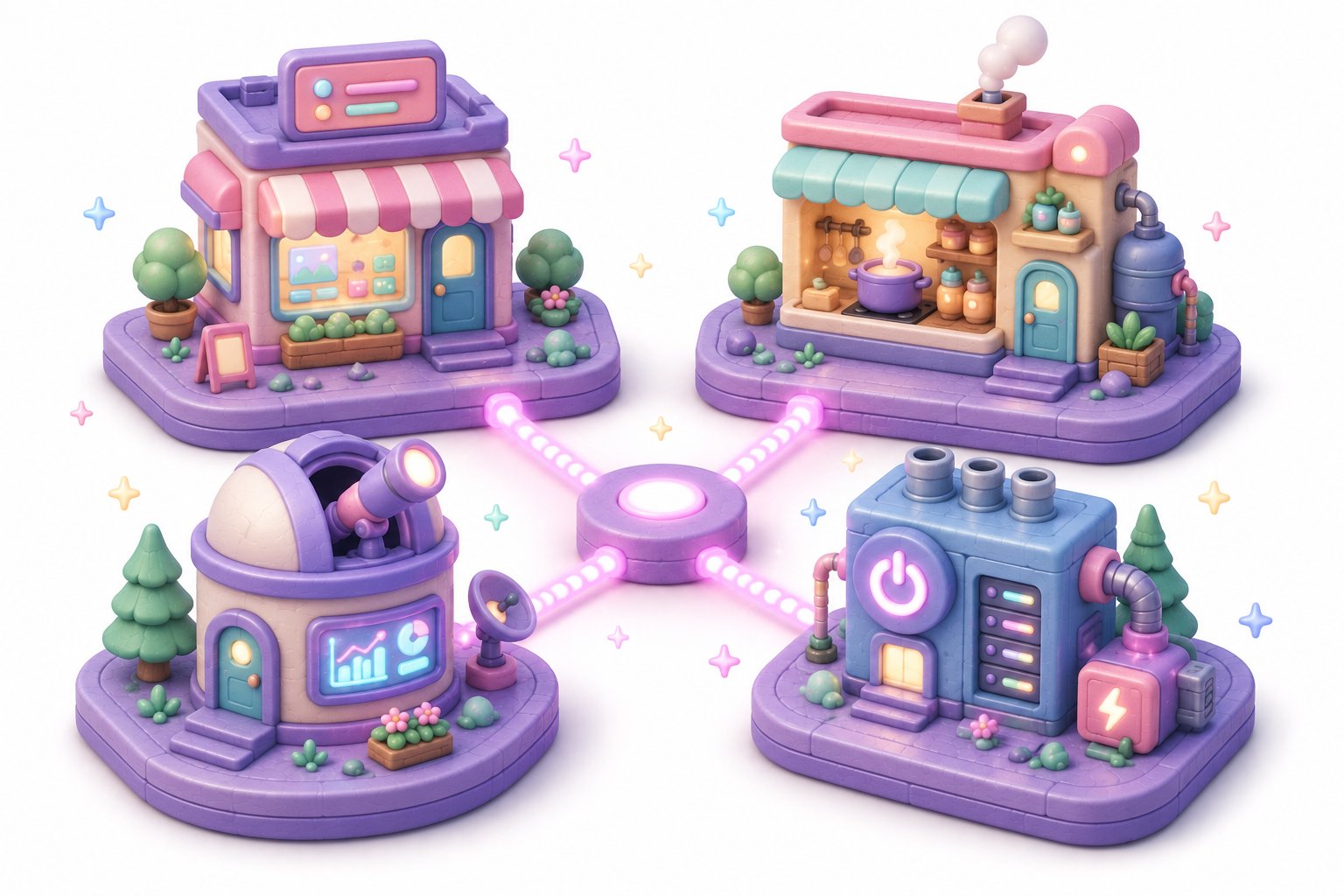
The roadmap on this site groups IT careers into four tracks. The cleanest way to explain them is with a restaurant.
Imagine a restaurant. Customers come in, order food, eat, and leave happy (or not). To make that happen, four very different kinds of work need to happen.
| Track | What it is, in restaurant terms | An everyday product you already use |
|---|---|---|
| Frontend | The dining room — menu design, decor, lighting, the feel of being a guest | The screen of your banking app, every button on Instagram |
| Backend | The kitchen — recipes, supply chain, plating, what happens behind the swing door | What runs after you press “Transfer money” or “Buy now” |
| Data | The accountant + the supplier analyst — figuring out what sells, when, and why | Why Netflix recommends what it does; why your bank flags a fraud charge |
| DevOps | The building itself — electrics, plumbing, locks, the alarm system | Why Black Friday websites don’t crash (or why they do) |
Frontend — what you see and touch
Frontend developers build the part of a product the user looks at. The buttons, the colors, the way the screen rearranges itself when your phone rotates. They live in HTML, CSS, JavaScript, and frameworks like React.
If you redesign your kitchen for fun, if you have strong opinions about which apps “feel nice” and which don’t, if you noticed when Instagram changed its icon — frontend probably suits you. It’s the most visual track. You can show your work to your grandmother and she can tell whether she likes it.
Backend — what runs everything
Backend developers build the part nobody sees. When you press “Transfer”, something needs to verify your identity, check your balance, talk to another bank, write a record, and tell your phone “done”. That whole chain is backend.
Backend people tend to like puzzles where the rules don’t change but the inputs do. They write in C#, Java, Python, Go, and dozens of others. Most of the world’s salaried programming jobs are backend — it’s the largest and most stable corner of the field.
Data — what the system learns
Data people don’t build features; they make sense of what’s already happening. They write SQL queries, build dashboards, train models. They’re the ones who can tell a business “you’re losing customers on Tuesday afternoons because of how your checkout works”.
If you keep a spreadsheet of your monthly spending and notice patterns, if you’ve ever stayed up late trying to figure out why a number doesn’t match — data work might be your thing. Python and SQL are the daily tools.
DevOps — what keeps the lights on
DevOps people are the building’s engineers. They make sure the website doesn’t fall over when a million people show up at once, that backups exist when something breaks, that security holes don’t get exploited.
If you’re the friend who fixes everyone’s WiFi, if you like systems that run themselves, if you take quiet pride in something working at 3 a.m. without you having to be there — DevOps is your neighborhood. The tools are AWS, Docker, Kubernetes, Terraform.
Here’s the same four tracks as a one-glance summary, with a different focus this time — what you’ll actually be doing day-to-day, and the kind of personality that tends to enjoy each:
| Track | What you build | Main tools | Tends to fit you if… |
|---|---|---|---|
| Frontend | The visible part — screens, layouts, interactions | HTML, CSS, JavaScript, React | …you notice good and bad UX everywhere you go |
| Backend | The invisible engine — logic, APIs, data flows | C#, .NET, Python, Java, SQL | …you like puzzles where the rules don’t change but the inputs do |
| Data | Insights and predictions from raw information | Python, SQL, notebooks, statistics | …you keep a spreadsheet of your spending and notice patterns |
| DevOps | The infrastructure — servers, deployment, security | AWS, Docker, Kubernetes, Terraform | …you’re the friend who fixes everyone’s WiFi |
You don’t have to know which one fits you yet. The roadmap on this site has a separate tab for each — open all four, read the “Beginner” milestone of each, and you’ll feel it.
Why thinking in tracks matters
This is the part people skip and regret later. The map itself — the fact that IT has tracks — is more useful than any one track in particular. Three reasons:
1. It turns “learning to code” from a vague goal into a concrete one. “I want to be a backend developer” has a syllabus. “I want to learn IT” doesn’t. A vague goal is also why most career-change attempts stall: the learner is everywhere and nowhere, watching tutorials about everything, mastering nothing.
2. It tells you what to ignore. A frontend developer doesn’t need to learn database internals. A data analyst doesn’t need to learn React. Without a track, every tutorial looks equally important — and that’s how people burn out before they get anywhere. Picking a track is permission to skip 80% of the internet.
3. It matches how the industry actually hires. Job ads are for “Junior backend engineer” or “Junior data analyst”, not “junior IT person”. Picking a track is picking the kind of role you’ll be applying for in twelve months. Your CV, your portfolio, and your interview answers all need to point in the same direction. You can’t do that without choosing.
This is also why the roadmap on this site is built the way it is. It’s not four separate skill lists — it’s four separate careers, each with its own honest progression.
The career ladder — what “Senior” actually means
Nobody starts as a Senior. Pretending otherwise is the fastest way to get discouraged.
Every track on the roadmap has the same five-level ladder. The names will be familiar from job ads, but they’re worth defining clearly.
| Stage | Time from start | What you can do | What an employer pays for |
|---|---|---|---|
| Beginner | Year 0 | Build a small project end to end on your own | (you’re not paid yet — this is the learning stage) |
| Junior | Year 1 | Work on a real product with code review and mentorship | Your time, willingness to learn, growing reliability |
| Mid | Years 2–3 | Own a feature from idea to production without hand-holding | Steady delivery and good judgment on small decisions |
| Senior | Years 4–6 | Design parts of the system and mentor juniors | Big-picture trade-offs, architecture, and team multipliers |
| Expert | Year 7+ | Set technical direction across teams, sometimes across companies | Vision, influence, deep specialty expertise |
Most people who switch into IT from another field reach a paid Junior role in 6–12 months of focused learning. That’s not optimism — that’s the median. The path from Junior to Mid takes another 1–2 years, but by then you’re already employed and learning on someone else’s payroll.
Common misconceptions, answered honestly
“Isn’t it too late at 35?” — No. The median age of self-taught developer hires in the EU and US is 30–33. Older career-changers actually bring something juniors fresh out of school don’t: meeting skills, the ability to be reliable, real-world business experience. Many hiring managers prefer it.
“Don’t you need to be good at math?” — 95% of programming jobs use math at roughly the level of a grocery receipt. You add, multiply, sometimes calculate a percentage. Heavy math lives only in deep machine learning research and game-engine development — niches you can deliberately avoid for your entire career without consequence.
“How do you remember all those commands and syntax?” — You don’t. Senior engineers look up syntax constantly. The skill is reading and reasoning about code, not memorising it. The job is much closer to “writing well-structured paragraphs in a foreign language you have a dictionary for” than “performing a memorised piano piece”.
“Won’t AI replace it all?” — AI replaces isolated tasks, not the people who can decide what should be built, read code carefully, and own a system end to end. The tracks above are explicitly about those decision-making skills, not the typing parts. If anything, AI makes the path into IT shorter, because the boring early-stage work (boilerplate, syntax lookup, scaffolding) is now mostly automated.
Where to start on this site
Concrete next steps, in order:
- Open the roadmap and click each of the four tabs. Five minutes total.
- Pick the one that looked least scary. That’s your gut signal — take it seriously. Your first track isn’t permanent; you can change later. Most people don’t.
- Read the “Beginner” milestone for that track. It lists the first three or four skills you’d actually learn. If they don’t sound impossible, you’ve got your starting direction.
- Optional: if you’d like a second opinion, book a free 30-minute call. It’s the fastest way to validate your choice with someone who’s helped this transition before.
If you want a concrete first course while you decide, here are the entry points for each major direction:
- Backend curious? Introduction to Programming in C# is the foundational course.
- Data curious? Python Fundamentals is where Python-for-data starts.
- Frontend curious? Introduction to HTML & CSS is the canonical first step.
There is no single “right” track. There’s just the one you can start this week.